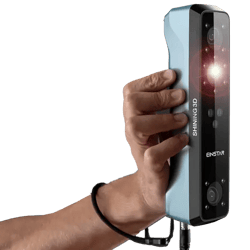
Which scanners work with VYTRUVE?
To use VYTRUVE properly, the scanner isn’t an “accessory”: it’s the foundation for a reliable volume.
In prosthetics and orthotics, you need a scanner that is accurate, in color, stable despite micro-movements, with pause / resume, and compact enough to also scan the inside of a socket (using the Vtransfer plate).
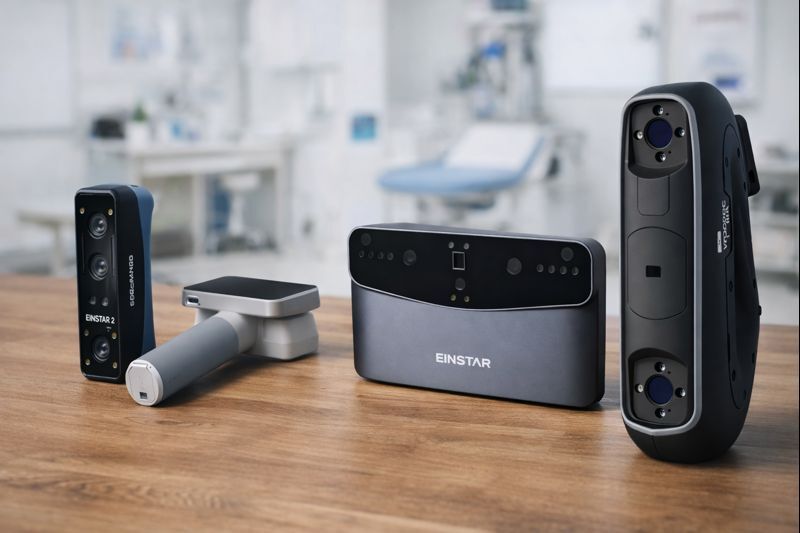
Phone / tablet scanning: good idea or bad idea?
We get the idea (simple, fast, inexpensive)… but today, it’s not at the level needed for reliable design.
In practice, we often see a 3 to 4% difference in circumferences with mobile scanning, plus:
-
smoothing that “wipes out” shapes,
-
distortions as soon as there’s movement,
-
little to no pause / step-by-step validation.
Result: you have to re-take measurements, correct, do more adjustments, and you end up recovering that time… at the fitting. So there’s no real time saved in the end.
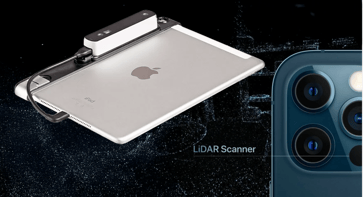
Focus: a few recent / widely discussed scanners (field feedback)
Einstar 2
-
For inside-of-socket use, we currently observe a step back compared to the Einstar (more artifacts, less stable reconstruction, heavier post-processing).
-
“Wireless” can also be limiting in a workshop setting (Wi-Fi constraints, and calibration is often simpler/more reliable with a cable depending on the situation).
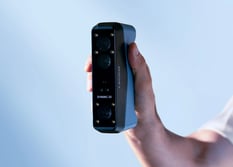
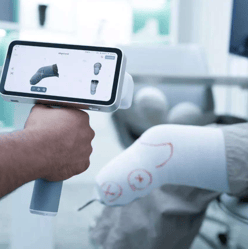
Medixa
-
Very solid workflow (setup / day-to-day use),
-
but it does not allow you to properly scan the inside of sockets (and can behave poorly around holes depending on the case).
Vega
Tested and not recommended as a standard option at this stage (even though it’s not a “bad” scanner):
-
focus ranges that aren’t ideal for residual-limb-type scanning (either less accurate, or slower),
-
slower post-processing,
-
tracking that can be less robust on certain TT cases,
-
and not always suited to a “full digital transfer” workflow (shape + alignment) depending on the use case.
Our “field-tested” recommendation
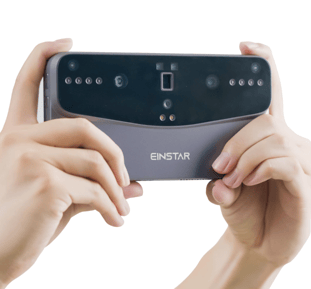
If you’re looking for a solution that covers the essentials for the residual limb / positive and remains the most robust when you also need to handle the inside of a socket, the Einstar is still, today, the simplest and most consistent reference in practice (especially with the Vtransfer plate).
And good news: it’s also a very budget-friendly scanner — we currently see it starting at around €689 incl. VAT, depending on resellers and current offers.